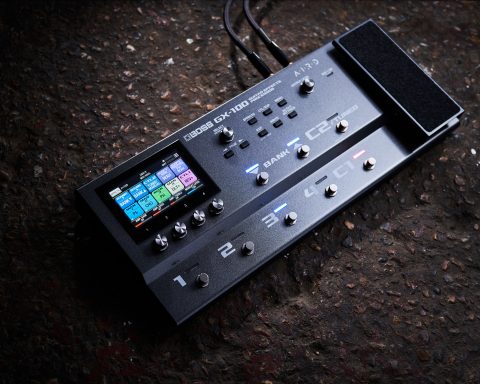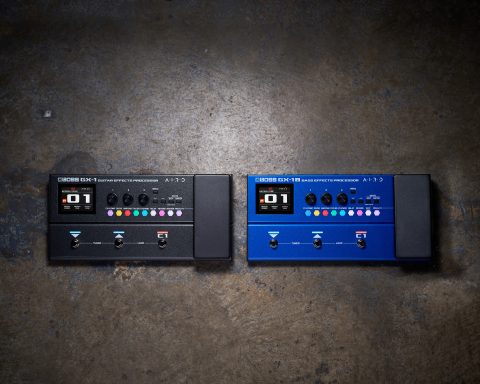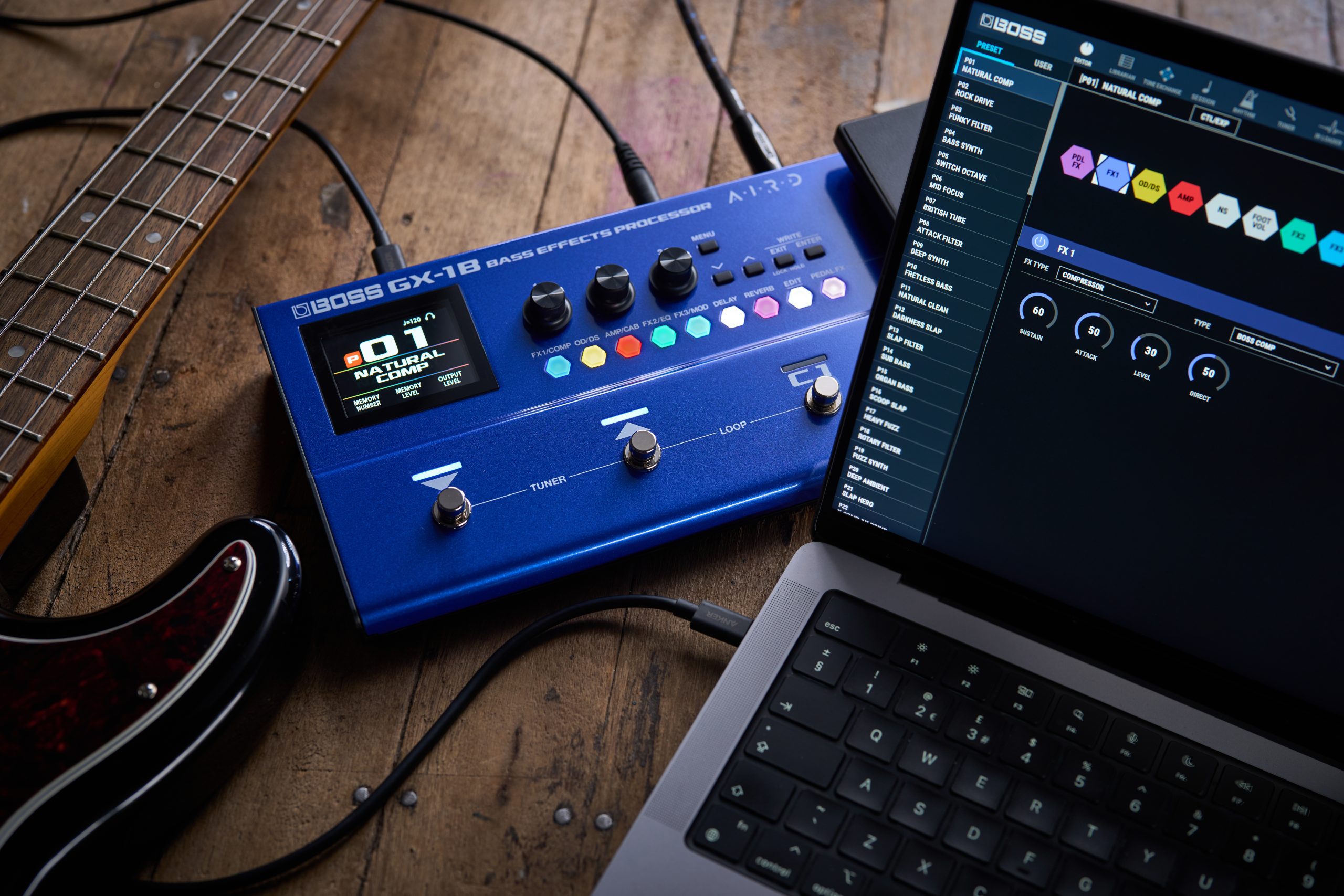


GX-1 and GX-1B put a wide range of BOSS amps and effects at your feet in a streamlined multi-effects processor. While you can create and adjust sounds directly on the hardware itself, connecting to BOSS Tone Studio opens up a deeper level of control. This free editor and librarian software lets you edit parameters with precision, view and adjust the signal chain, and organize memories for different songs, sessions, or gigs. If you want to explore everything GX-1 and GX-1B have to offer, BOSS Tone Studio provides a powerful and intuitive way to do so.
What is BOSS Tone Studio?
BOSS Tone Studio is a free editor and librarian software that expands the sound-shaping capabilities of the GX-1 and GX-1B. Available for macOS and Windows, it provides a clear, visual interface for editing tones, managing memories, and configuring system settings from your computer.
With BOSS Tone Studio, you can:
- Edit amp and effects parameters with greater precision
- View and adjust the signal chain in a visual layout
- Name, organize, and back up memories
- Create and manage Livesets for different songs, sessions, or gigs
- Download tones from BOSS Tone Central and BOSS Tone Exchange
- Access additional system settings and configuration options
Together, these tools make it easy to build sounds, organize your tones, and get the most out of your GX-1 or GX-1B.
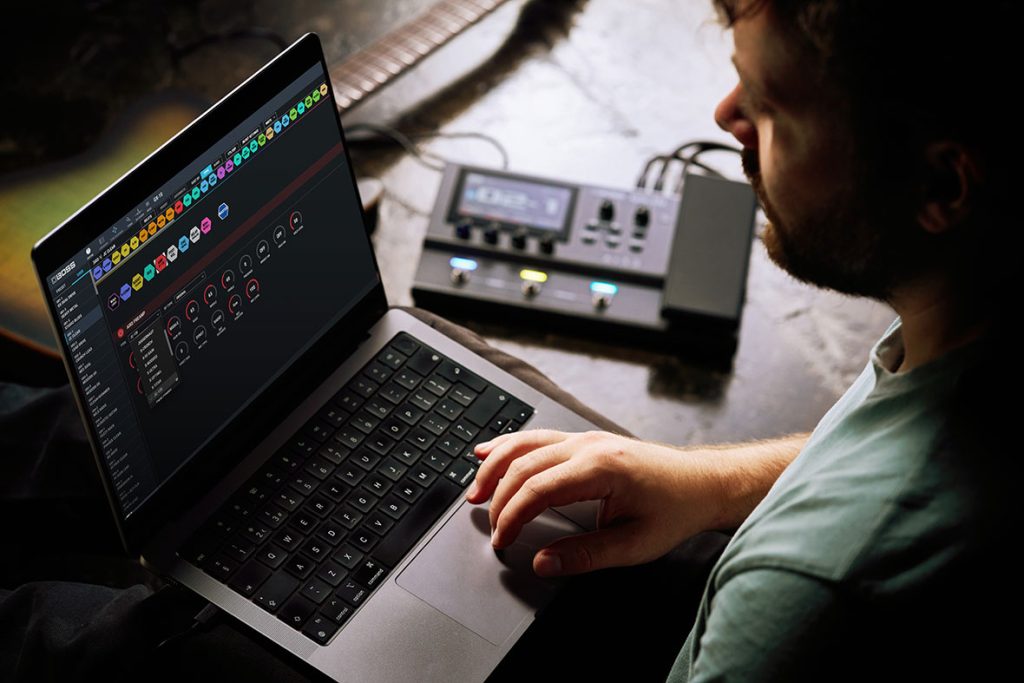
Why Use BOSS Tone Studio?
GX-1 and GX-1B are designed so you can build and adjust sounds directly from the hardware. The intuitive control layout makes it easy to dial in tones quickly without necessarily needing a computer.
Connecting to BOSS Tone Studio expands these editing possibilities. The software provides a larger visual workspace where you can fine-tune amp and effect parameters, adjust the signal chain, and organize memories more efficiently.
For players who like to experiment with different tones or manage sounds for multiple songs and performances, BOSS Tone Studio offers a fast and flexible way to shape and organize your setup.
"BOSS Tone Studio expands the editing possibilities of the GX-1 and GX-1B and provides a larger workspace."
Getting Started
To begin using BOSS Tone Studio with GX-1 or GX-1B, download the necessary files from the product page on the BOSS website. You will typically need:
- The latest GX-1 or GX-1B system program
- The GX driver for your computer’s operating system
- BOSS Tone Studio for GX-1/GX-1B (macOS or Windows)
These are all available in the Downloads section of the relevant product page. Be sure to read the included instructions before installing the files.
Once installed, connect your GX-1 or GX-1B to your computer with a USB cable and launch BOSS Tone Studio. After selecting the device from the list, the software will synchronize with the unit and display the current memory settings.
Editing Sounds
The Editor screen in BOSS Tone Studio provides a clear overview of the amps and effects used in the current memory. From here, you can adjust parameters, enable or disable effects blocks, and explore different sound combinations.
Selecting an amp or effect block opens a detailed editing panel where you can fine-tune settings such as gain, tone, level, and other parameters. Changes are reflected in real time, allowing you to hear adjustments instantly as you play.
The visual signal chain also makes it easy to understand how your sound is constructed. You can quickly experiment with different combinations of amps and effects while seeing exactly how they interact in the signal path.
Organizing Memories with the Librarian
The Librarian tab allows you to organize and manage your GX-1 and GX-1B memories from your computer.
You can store memories in Livesets, which are collections of sounds grouped for specific purposes. For example, you might create separate Livesets for different bands, set lists, recording sessions, or practice setups.
Memories can be easily moved between the GX unit and your computer using simple drag-and-drop controls. The Librarian also allows you to back up your memories, ensuring your sounds are safe and easy to restore if needed.
"Easily move memories between the GX unit and your computer using simple drag-and-drop controls."
System Settings
The System tab in BOSS Tone Studio provides access to global settings for the GX-1 and GX-1B. Here, you can configure device-wide parameters such as USB audio settings, MIDI options, and other operational preferences.
Adjusting these settings within BOSS Tone Studio can be faster and more convenient than navigating them on the hardware itself, giving you a clear overview of how your GX unit is configured.
Take Your Sounds Further
BOSS Tone Studio provides an intuitive way to expand the capabilities of GX-1 and GX-1B. From deep sound editing and signal chain control to memory organization and preset download, the software helps you explore the full creative potential of your processor.
Whether you are building new tones from scratch or organizing sounds for your next performance, BOSS Tone Studio makes it easy to shape, store, and refine your sound.