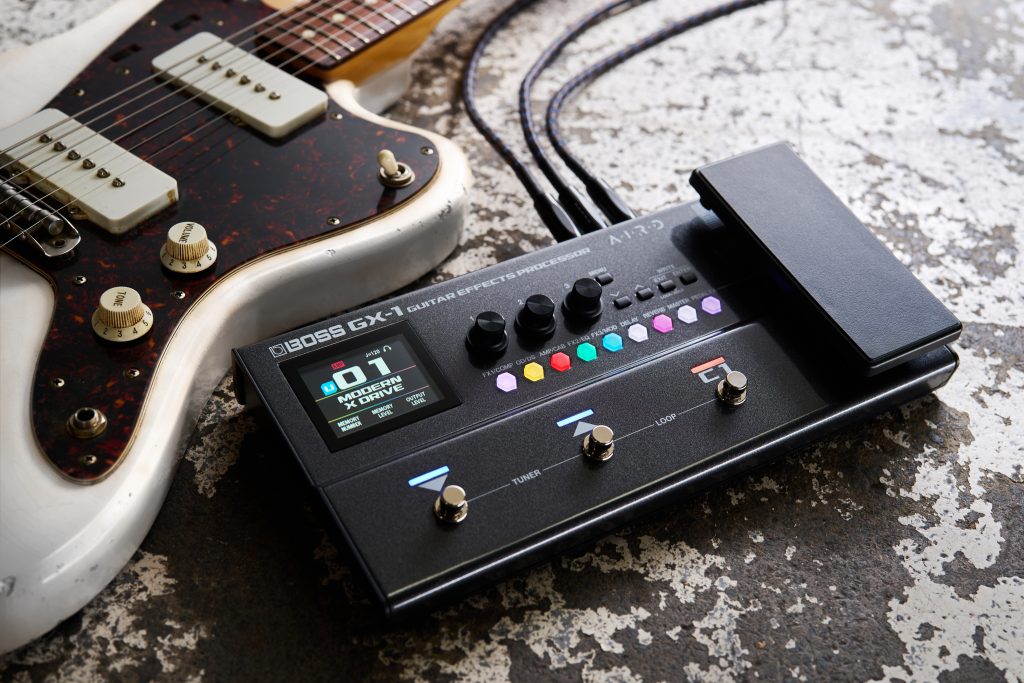
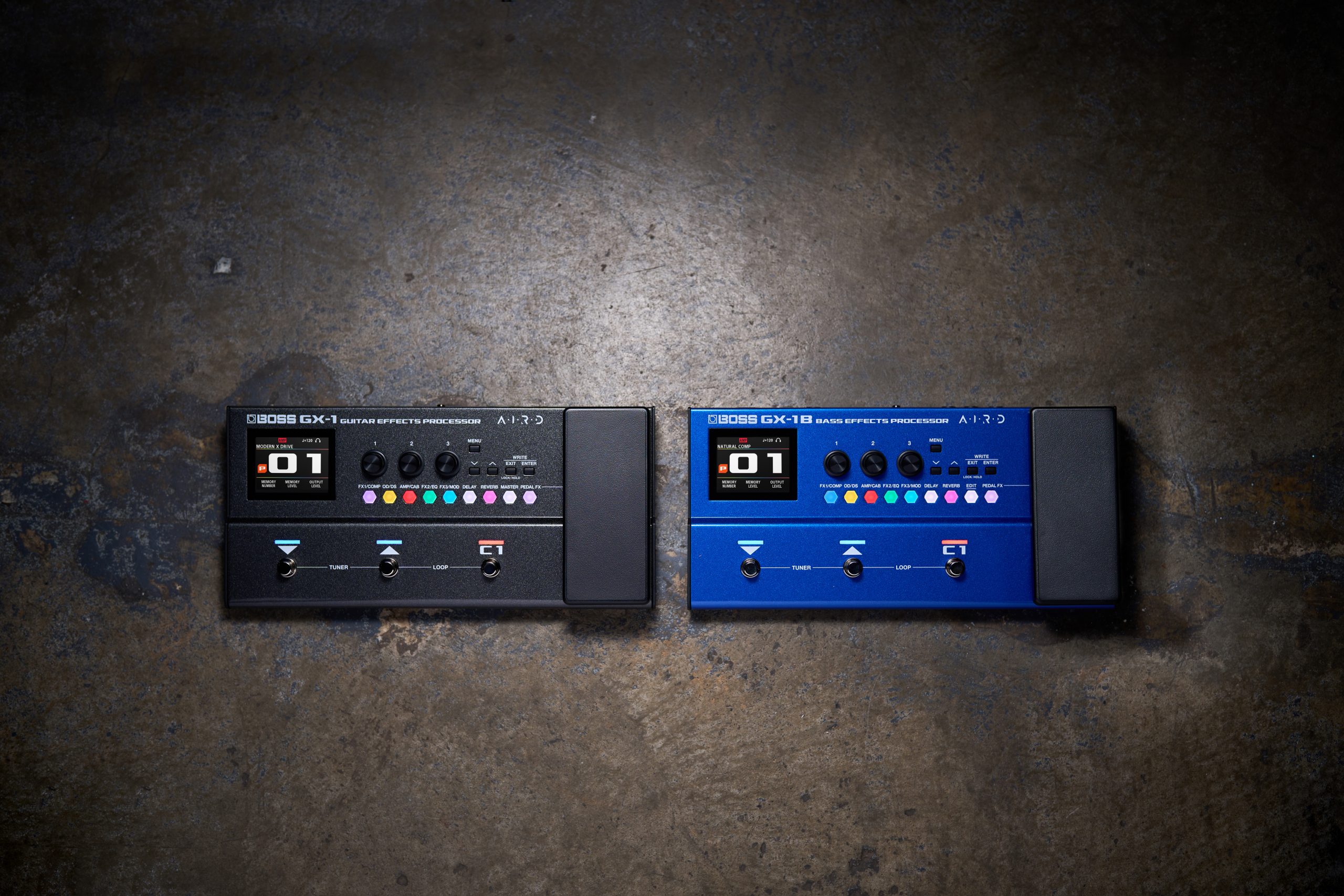
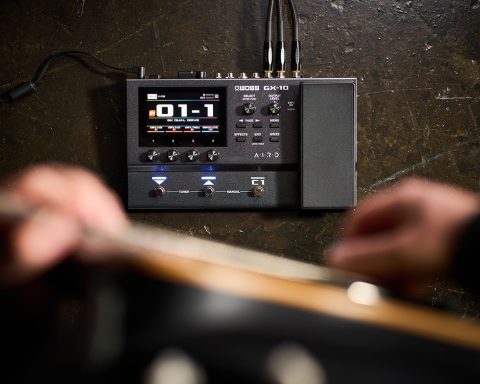
From dialing in tones quickly with a clear, hands-on interface, to shaping User Memories that respond as you play, the BOSS GX-1 and GX-1B offer plenty of scope to explore and develop your sound. This guide looks at how to make that possible, helping you move past preset browsing and start creating sounds that feel uniquely yours.
Shaping Sounds on the GX-1 and GX-1B
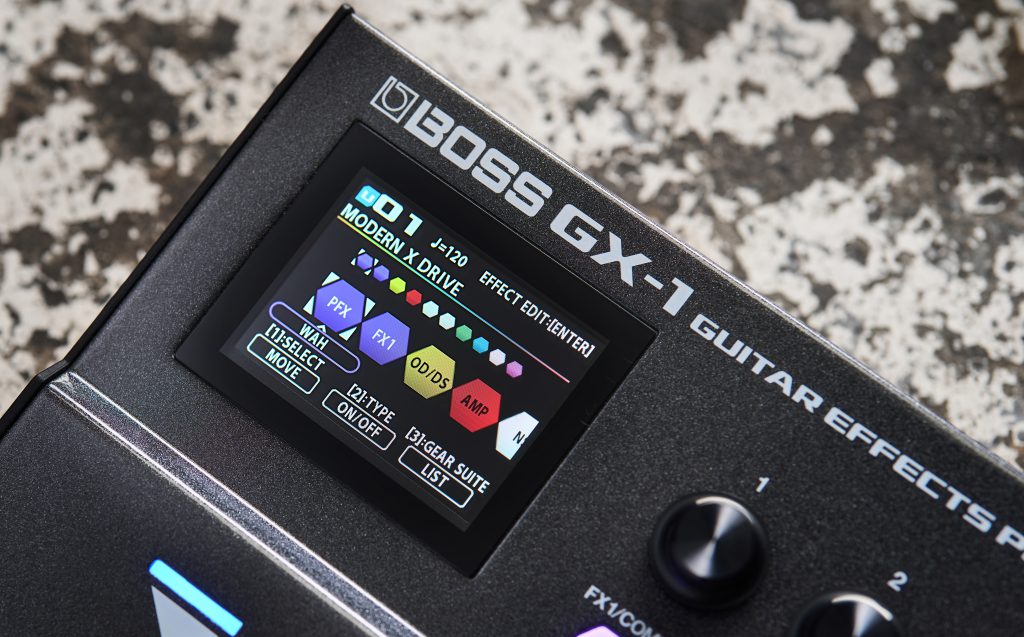
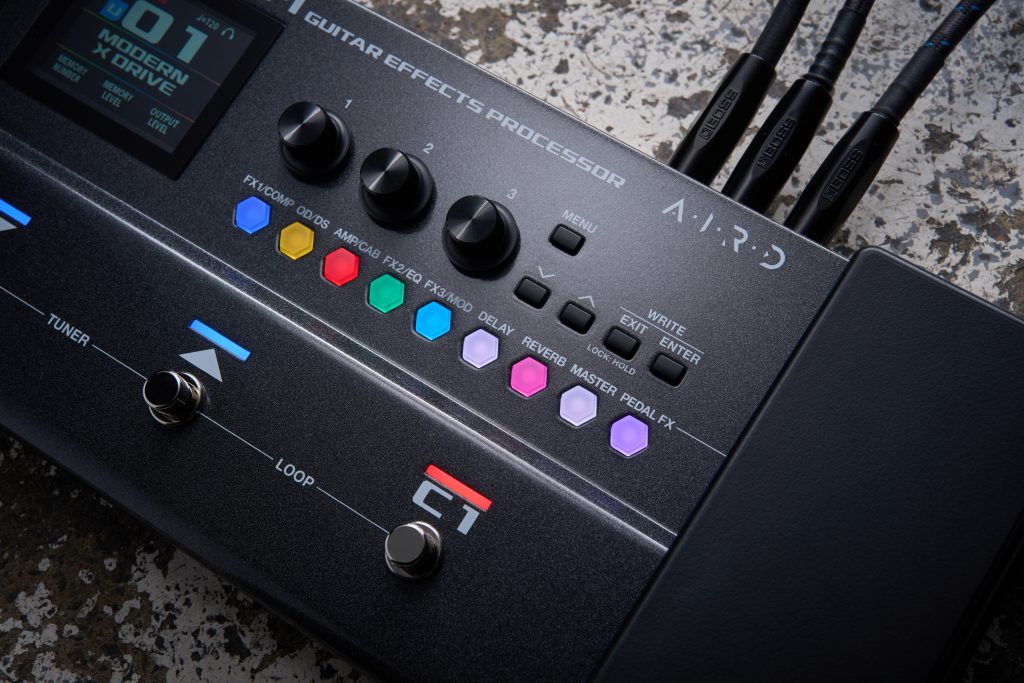
Sound creation on the BOSS GX-1 and GX-1B is designed to be fast and hands-on. A clear color display and dedicated effect category buttons keep the focus on what you are hearing, not on navigating menus. Effects can be switched on and off with a tap, while a longer press takes you straight to the most relevant setting parameters, making it easy to adjust sounds in real time without interrupting your flow.
Rather than building every sound from the ground up, the GX-1 and GX-1B give you solid starting points straight away. Each amp and effect type includes complete, professionally tuned setups that are ready to play as soon as you select them. From there, you can make meaningful adjustments to suit your instrument, your touch, and the music you’re working on, without the need to fully understand every parameter at once.
"Each amp and effect type includes complete, professionally tuned setups that are ready to play as soon as you select them."
Alongside the effects, both units use AIRD technology to shape how amp tones respond as part of the overall Memory. Instead of treating the amp as a standalone block, AIRD takes playing dynamics and gain structure into account, helping sounds feel more connected as you play. This means tones respond naturally under your fingers and translate reliably across different setups, with less time spent correcting behavior and more time focused on making music.
Plug In and Play Anywhere
The BOSS GX-1 and GX-1B are designed to fit easily into a wide range of everyday setups, from home practice to recording and playing live. Connections are kept simple, but flexible enough to support different ways of working.
Play through an amp or monitor directly—Use either unit as a multi-effect into a guitar or bass amp or connect to a PA straight from the stereo outputs.
Practice quietly with headphones—Plug in headphones for silent practice while keeping the same tones you would use through speakers or an amp.
Jam along via Bluetooth—Stream music wirelessly from a phone or tablet and play along without extra cables or adapters.
Record via USB—Connect to a computer or mobile device to record sounds directly into a DAW or music app.
Power it almost everywhere—Run on AA batteries, AC adapter, or USB power, making it easy to practice or perform even when mains power is not available.
Control and Performance
The GX-1 and GX-1B put real-time control under your feet, not in menus. The onboard footswitches handle common tasks such as changing Memories or turning effects on and off, while the integrated expression pedal adds control for volume, wah, or other parameters.
When you want to go further, control assignments can be tailored to suit different songs or playing situations. Switches can be set to adjust multiple parameters at once, making it easy to create expressive changes without complex choreography. Support for wired and wireless external controllers also means you can expand your setup over time.
Edit and Organize with BOSS Tone Studio
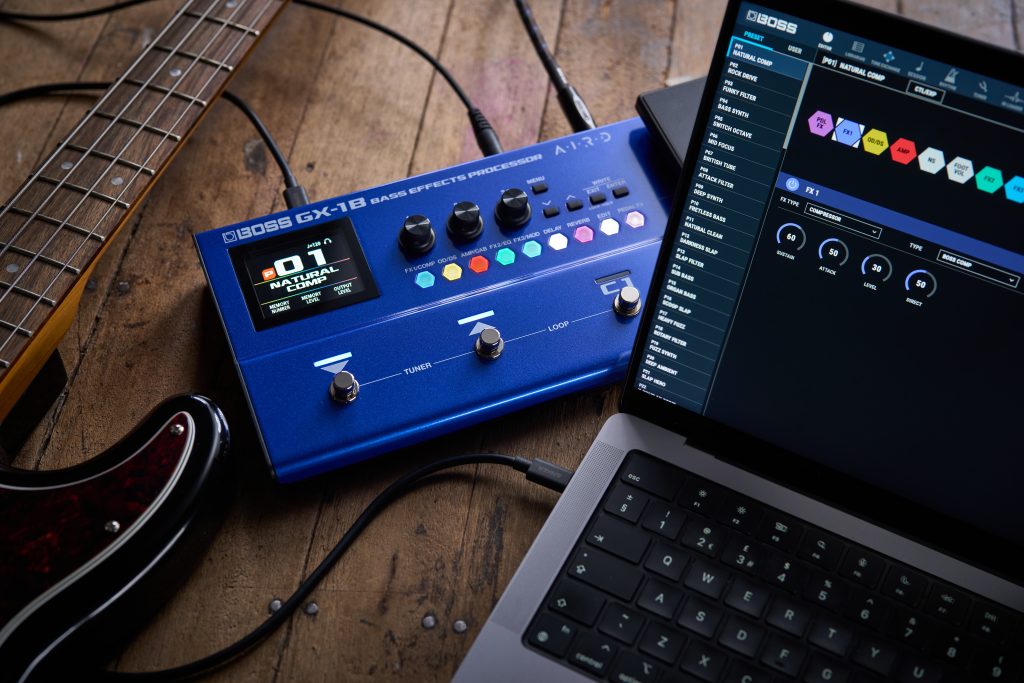
For times when working from a larger screen is more convenient, BOSS Tone Studio amplifies what you can do with the GX-1 and GX-1B. The software mirrors the on-unit layout, making it easy to adjust sounds and organize Memories without changing how the hardware behaves. Tone Studio also adds practical tools for learning and practice. Play along with songs and lessons, slow passages down, loop sections, and work with built-in rhythms and a metronome.
"BOSS Tone Studio makes it easy to adjust sounds and organize Memories without changing how the hardware behaves"
Access to BOSS Tone Exchange provides Livesets created for each model, offering sounds you can audition, adapt, and apply to your own playing.
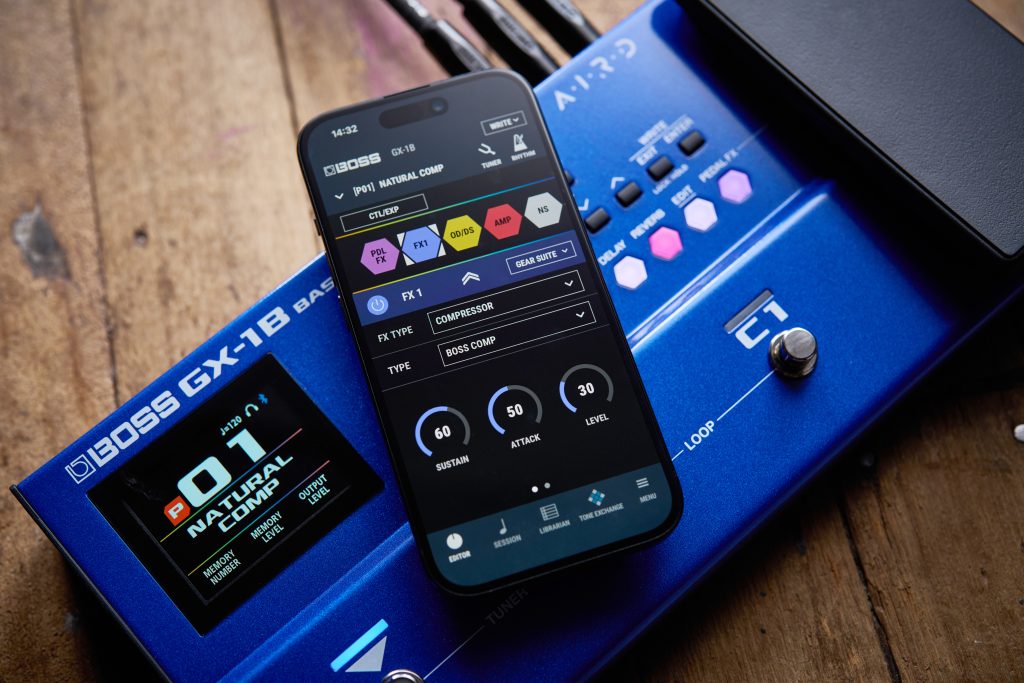
With built-in Bluetooth, the GX-1 and GX-1B can connect wirelessly to mobile versions of Tone Studio and stream audio directly from a phone or tablet, making practice and sound editing easy without extra cables.
Learn More
For additional information, including owner’s manuals, downloads, and support resources, visit the BOSS GX-1 and GX-1B product pages.