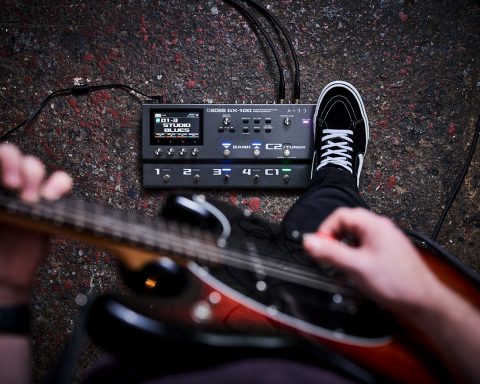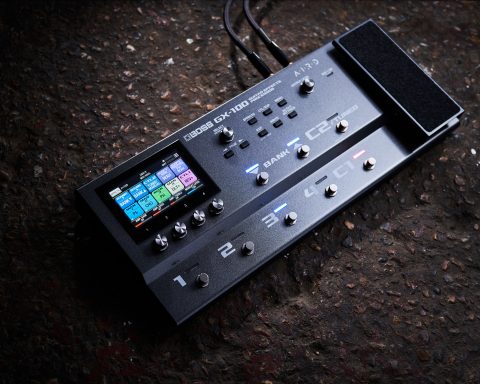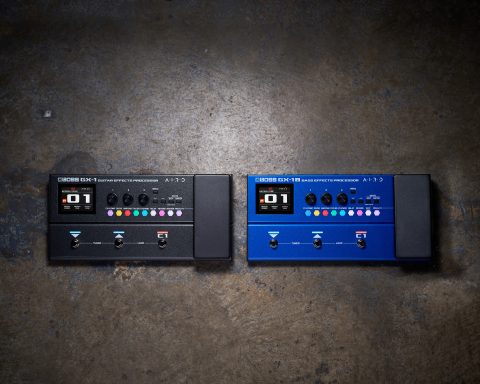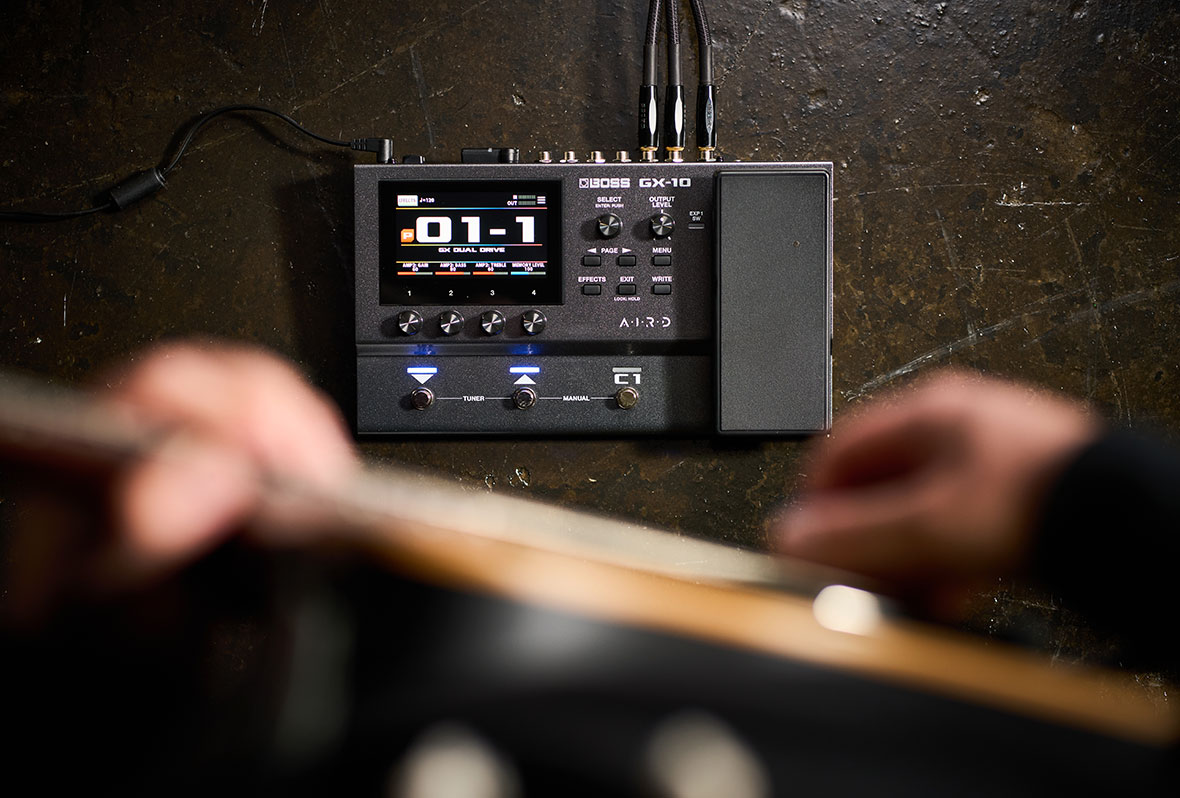
From shaping signal chains directly on the touchscreen to building User Memories around responsive amp tones, the BOSS GX-10 offers plenty of room to experiment and refine your sound. This guide focuses on the tools and workflows that open those possibilities up, helping you move beyond presets and into a sonic landscape of your own design.
Shaping Sounds on the GX-10
With its streamlined interface, the GX-10 makes it easy to build sounds in real-time. It uses the same color touchscreen introduced on the GX-100, letting you view your signal chain clearly and make quick adjustments with simple actions. You can drag-and-drop effects, change their order, tweak parameters, and more without getting pulled into complicated menus. Dedicated hardware controls round out the experience, delivering a customizable, hybrid workflow for shaping sounds instantly, whenever inspiration strikes.
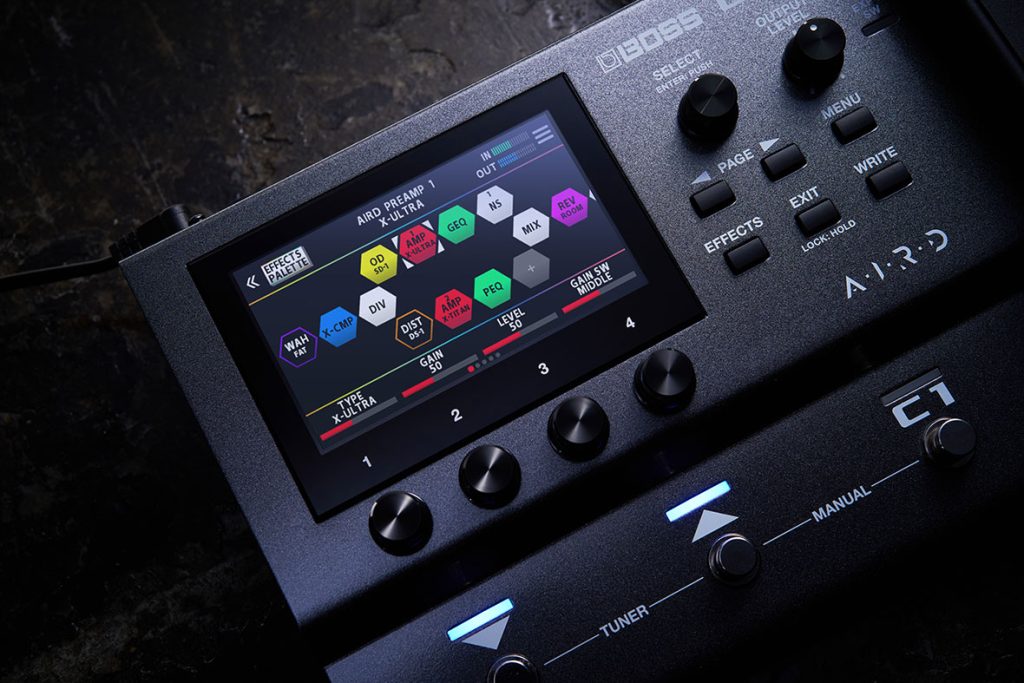
Crafting tones is centered around an effects chain that can be fully shaped to your needs. Include up to 15 effects within a single Memory, reorder them on the screen, and use multiple instances of the same effect type if desired. This makes it easy to experiment with different combinations and refine sounds quickly, without worrying about fixed layouts or hidden restrictions. Utility blocks such as dividers and mixers, along with the send/return loop also give you practical flexibility when building Memories with more complicated paths.
"Experiment with different combinations of effects and refine sounds quickly, without worrying about fixed layouts or hidden restrictions."
Alongside the effects, the BOSS GX-10 uses AIRD technology to dictate how the entire Memory behaves, not just how it sounds. Instead of modeling an amp in isolation, AIRD reflects how it responds within a complex signal chain, taking playing dynamics and gain structure into consideration. This helps Memories stay balanced across different setups, with fewer surprises when you plug in, and minimizes time spent tweaking.
Hear a selection of tones developed exclusively on the GX-10 in the following video.
Connect and Play
The GX-10 is designed to drop easily into a wide range of everyday setups, whether you’re playing through a speaker, practicing with headphones, or recording straight into a DAW.
Play through an amp or monitor directly—Use the GX-10 as a multi-effect directly into your favorite amplifier or use the outputs to send a stereo signal with amp simulation to a PA.
Practice with headphones—Plug in headphones for quiet practice using the exact same sounds you would send to a speaker.
Record via USB—Capture your guitar sound directly into a DAW, making the GX-10 a simple solution for demoing, writing, and recording.
Integrate external pedals—Use the send/return loop to integrate your favorite pedals wherever makes sense within your signal chain.
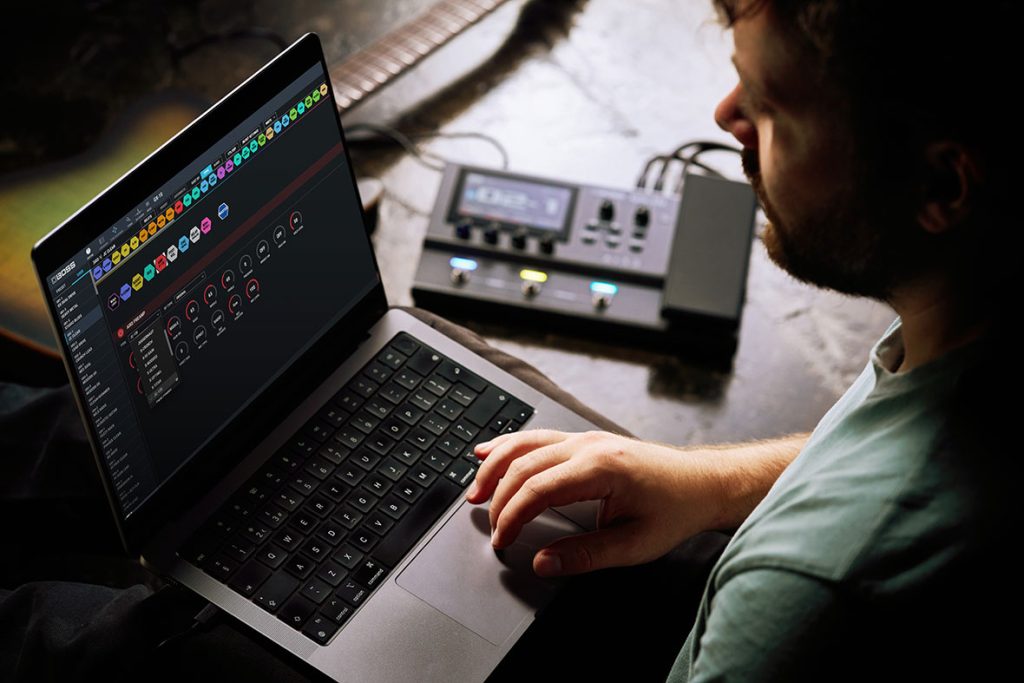
Edit and Organize with BOSS Tone Studio
For times when working from a computer is more convenient, BOSS Tone Studio opens up a wider range of possibilities. In addition to providing a clear, computer-based view of your Memories, the software gives you access to Livesets created by other BOSS users and artists, offering ready-made sounds that you can audition, adapt, and apply. Alongside this, Tone Studio makes it easier to manage your own Memories over time. You can rearrange sounds quickly and handle deeper edits on a larger screen when that feels more efficient.
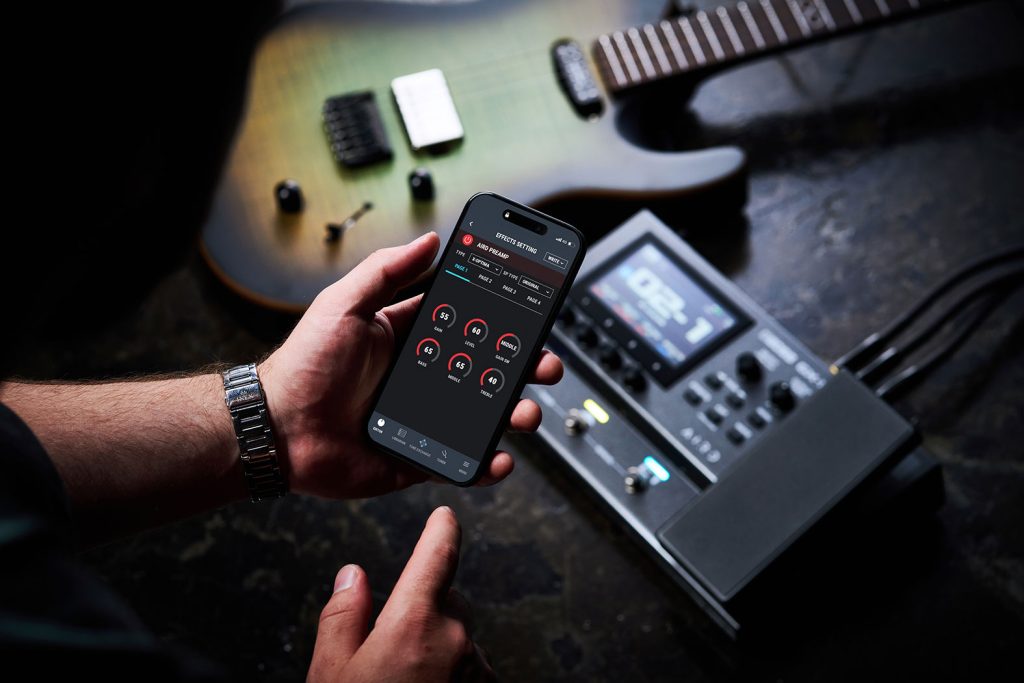
"BOSS Tone Studio provides a clear, computer-based view of your Memories, and access to Livesets created by other BOSS users and artists."
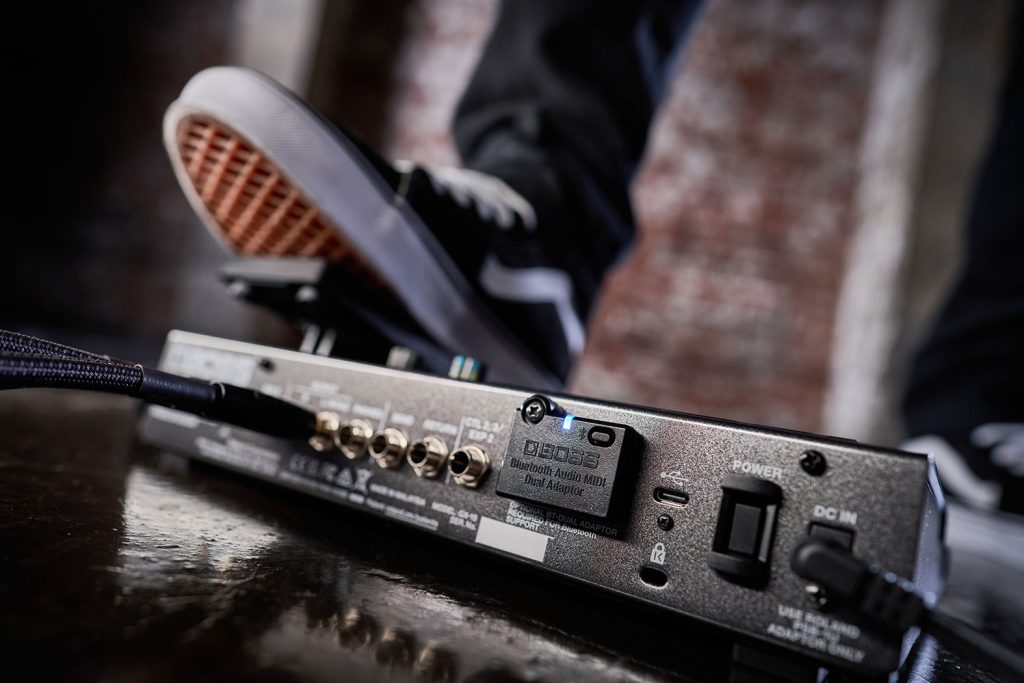
Available as a free download for macOS or Windows, Tone Studio connects via USB and works as an optional extension of the GX-10 without changing how you use the hardware day-to-day. You can also edit Memories wirelessly using the iOS or Android version of Tone Studio with the inclusion of an optional Bluetooth® Audio MIDI Dual Adaptor.
Learn More
For additional information, including owner’s manuals, downloads, and support resources, visit the GX-10 product page.